 Pop Studio
 blog: guides, tips and feature walkthroughs
Guides, feature deep-dives and editing tips for Pop Studio, written by the team that builds it. Every screenshot comes from the real app.
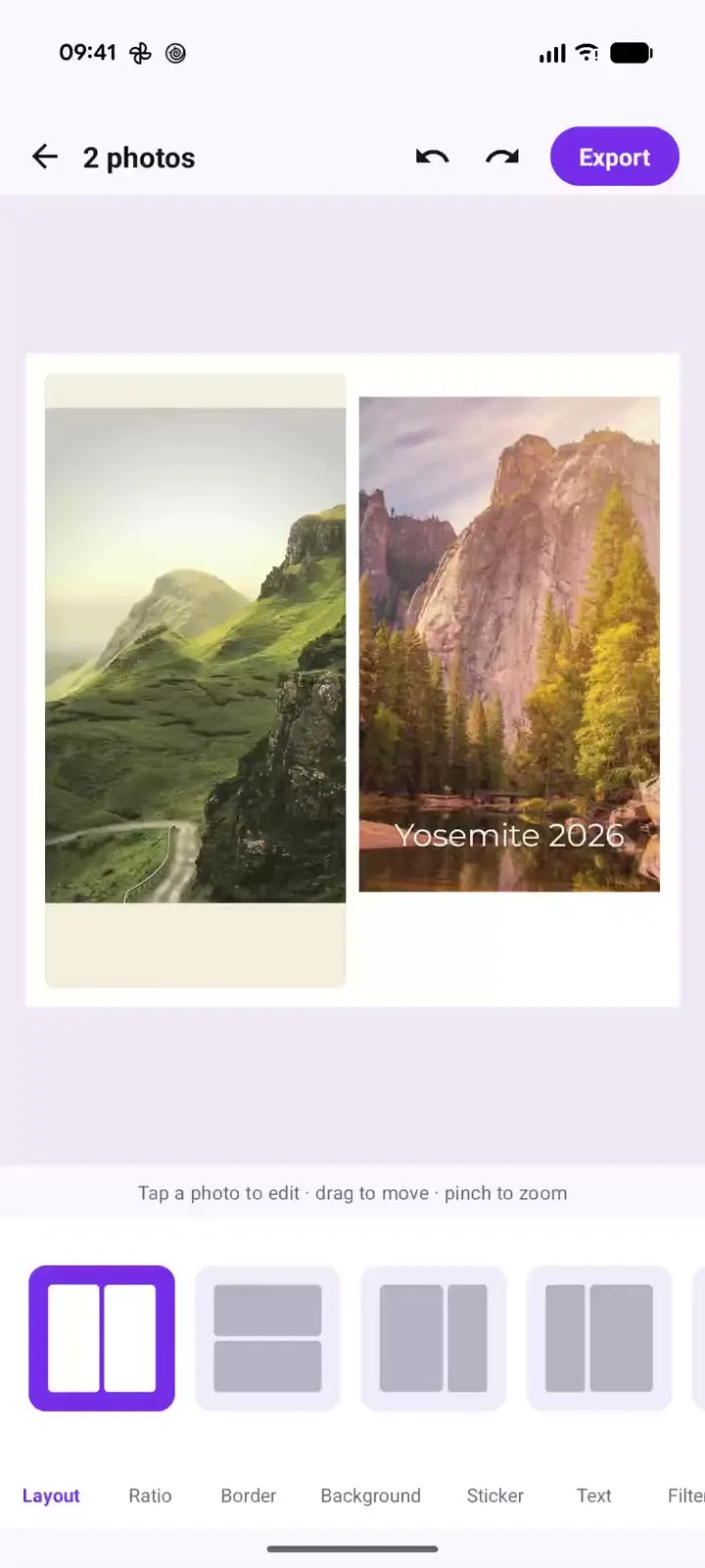
Pop Studio in action: a two-photo collage in 20 seconds
Recorded on a Pixel 10 Pro XL: one two-photo collage, side-by-side, stacked and unequal layouts, the Margin, Gap and Corner sliders, and cream versus black backgrounds, with a timestamped breakdown and steps to make your own.
Read the guide →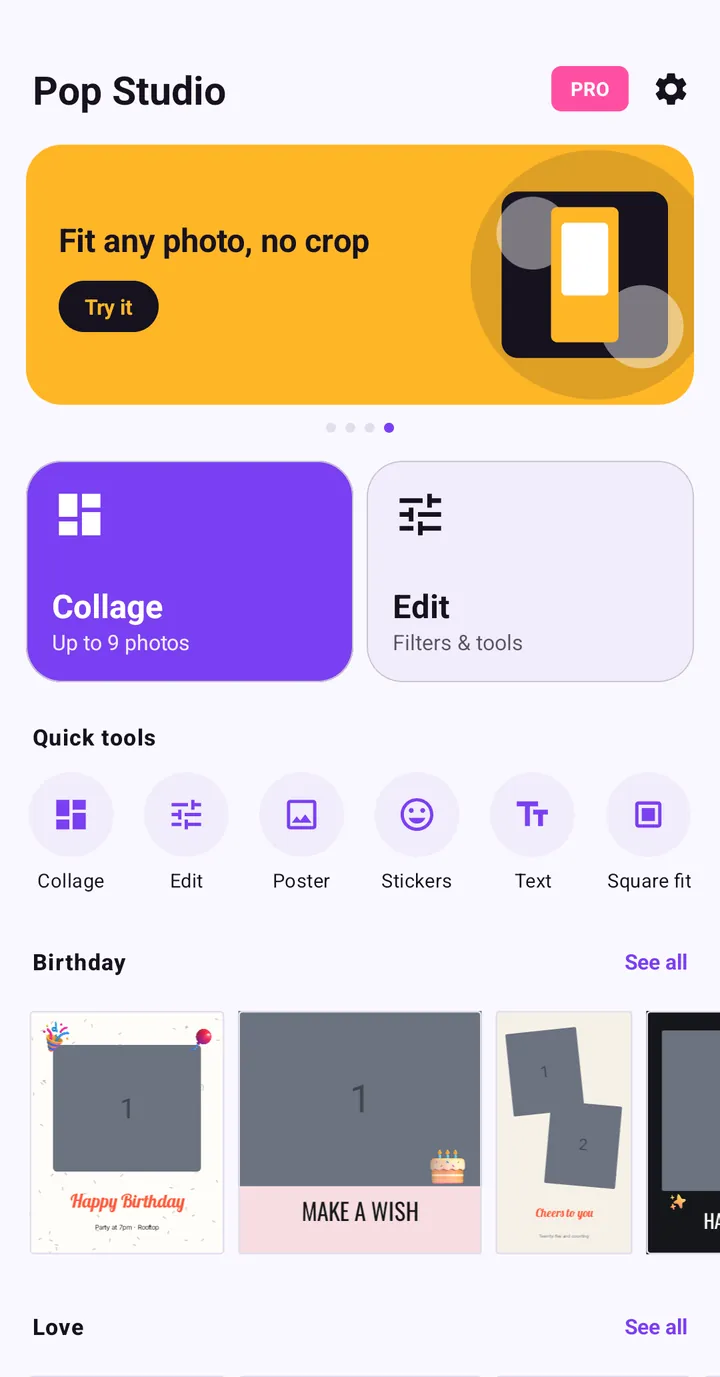
Pop Studio App Tutorial: Make Your First Photo Collage
New to Pop Studio? This beginner guide walks you from the home screen to a finished photo collage saved in your gallery, one tap at a time.
Read the guide →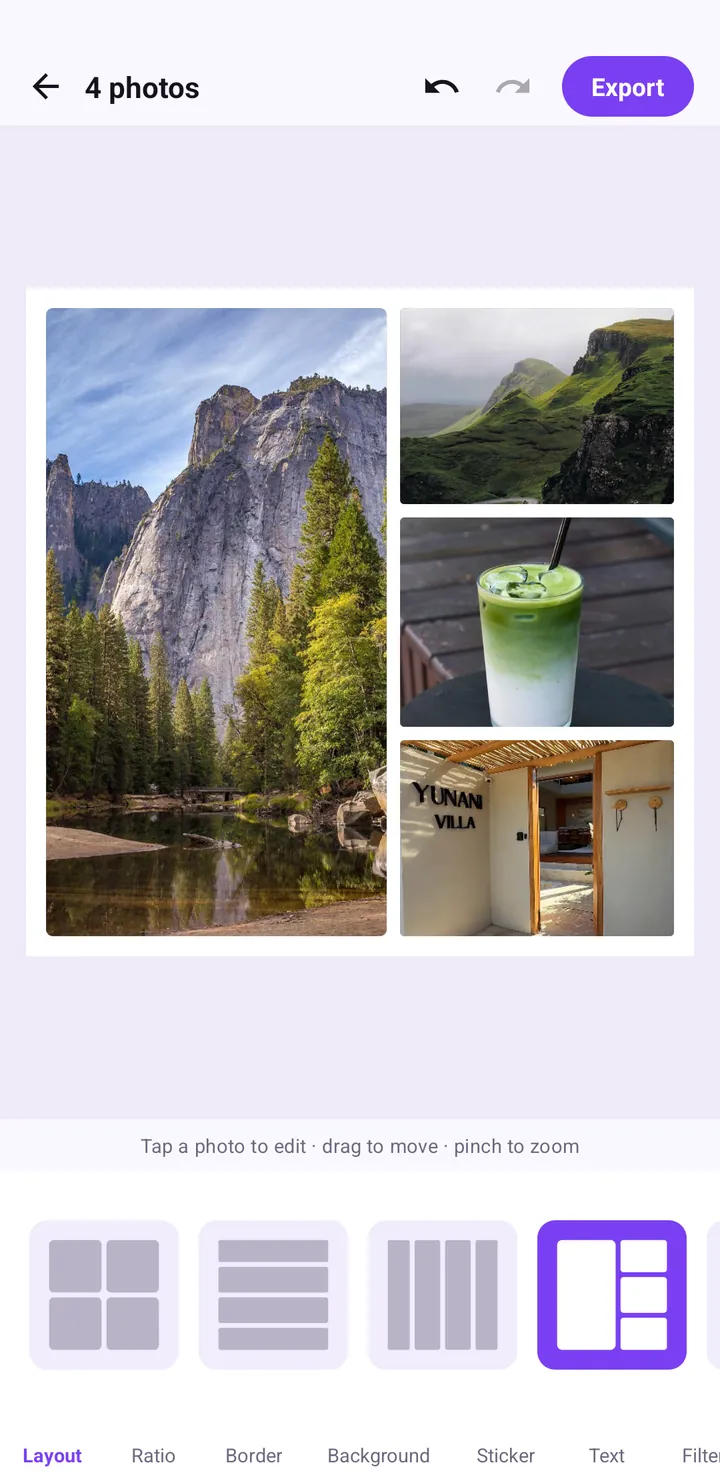
How to Make a Photo Collage on Android: Layouts and Spacing
A step-by-step guide to building a balanced photo collage in Pop Studio: choosing layouts, framing photos in each cell, picking a ratio and getting the spacing right.
Read the guide →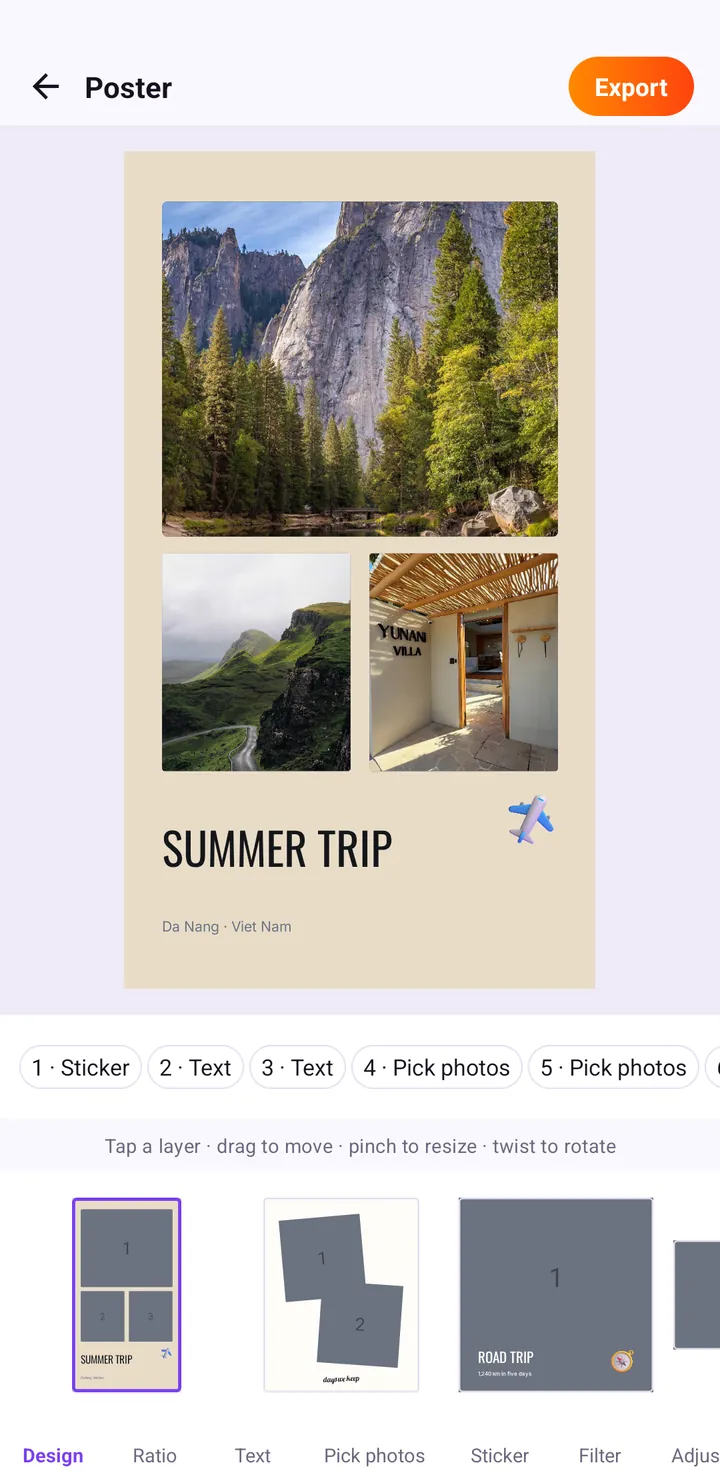
Poster Templates: Make a Summer Trip Travel Poster Fast
Turn your trip photos into a finished travel poster with Pop Studio's poster templates. We build a SUMMER TRIP poster step by step, then personalise it.
Read the guide →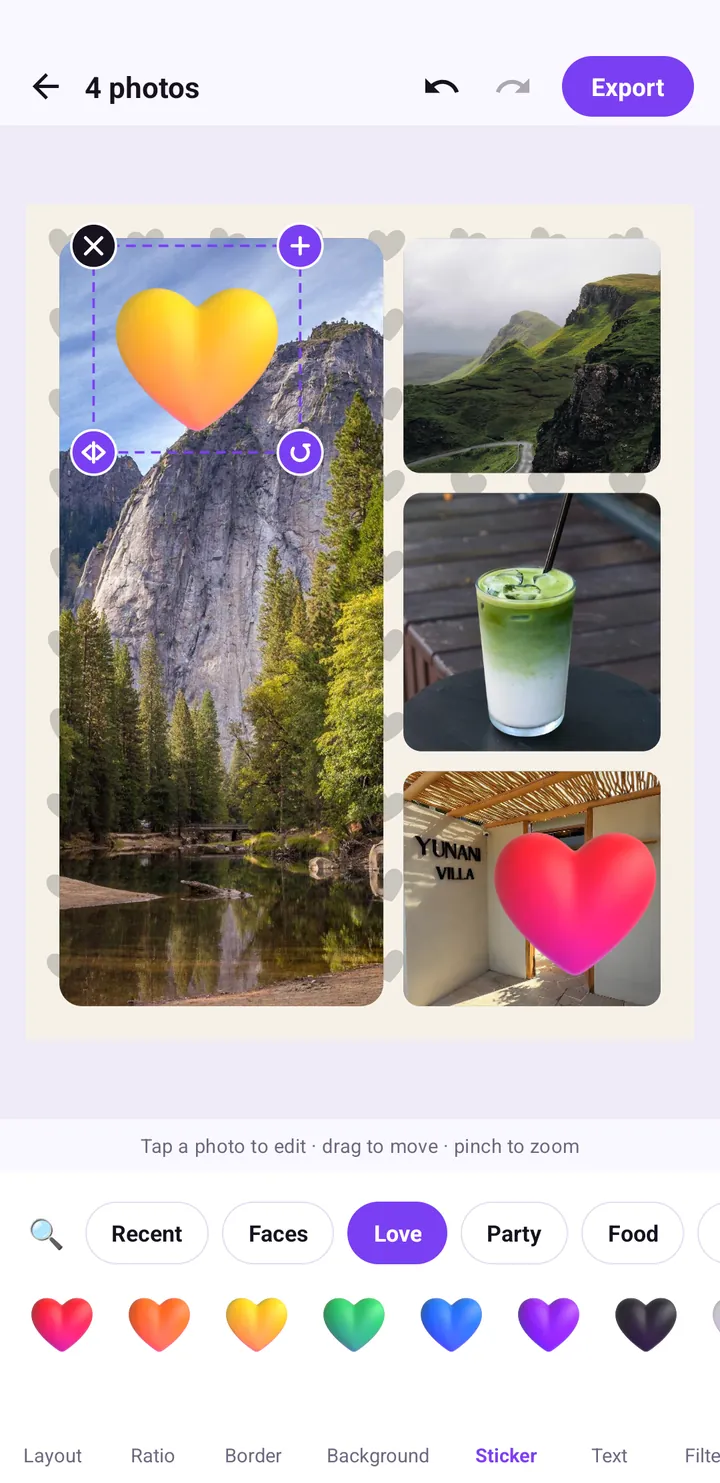
Add Stickers to Photos: Every Category and How to Use Them
Everything about stickers in Pop Studio: what each category holds, how to search, how to move, scale, rotate and remove stickers, and placement tips that avoid clutter.
Read the guide →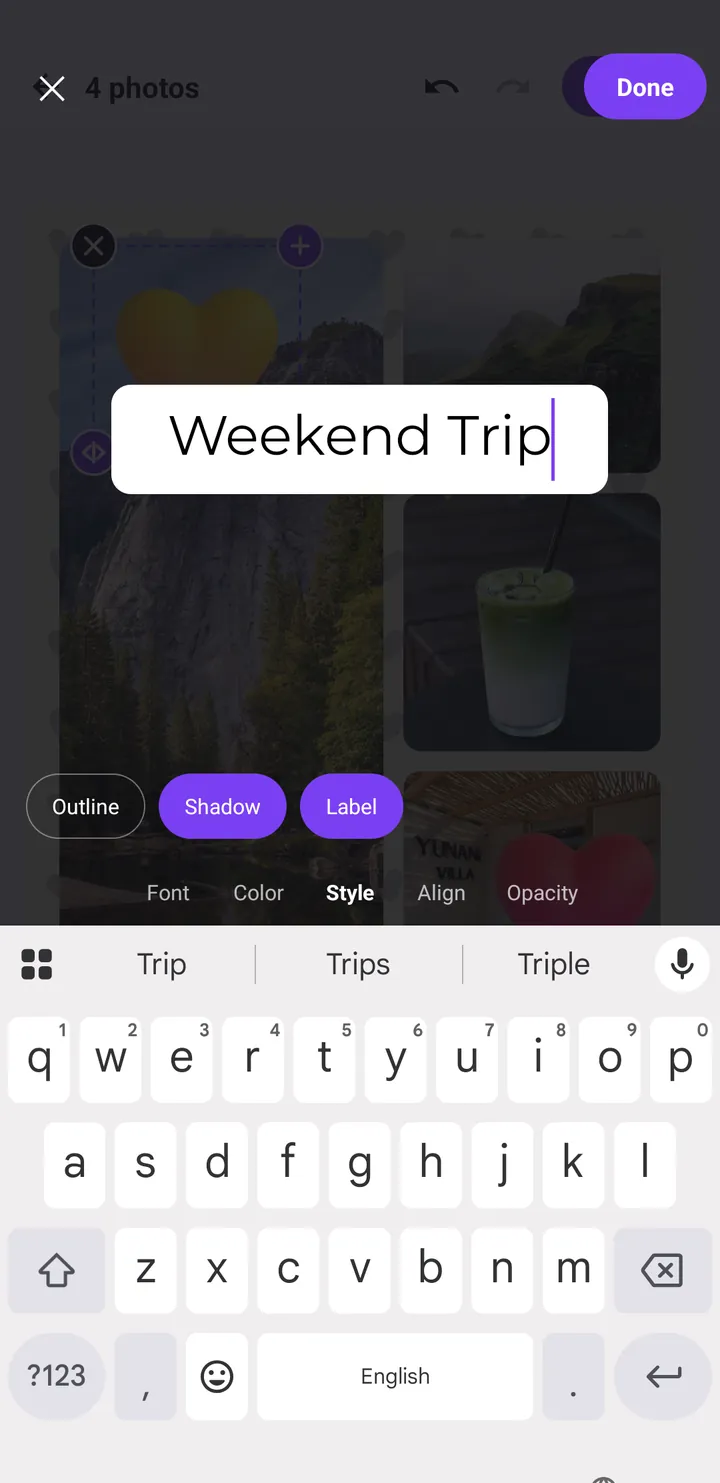
Add Text to Photos on Android: Fonts, Styles and Placement
How to put a clean, readable caption on any collage or poster in Pop Studio, from the Font, Color, Style, Align and Opacity options to placement and typography tips.
Read the guide →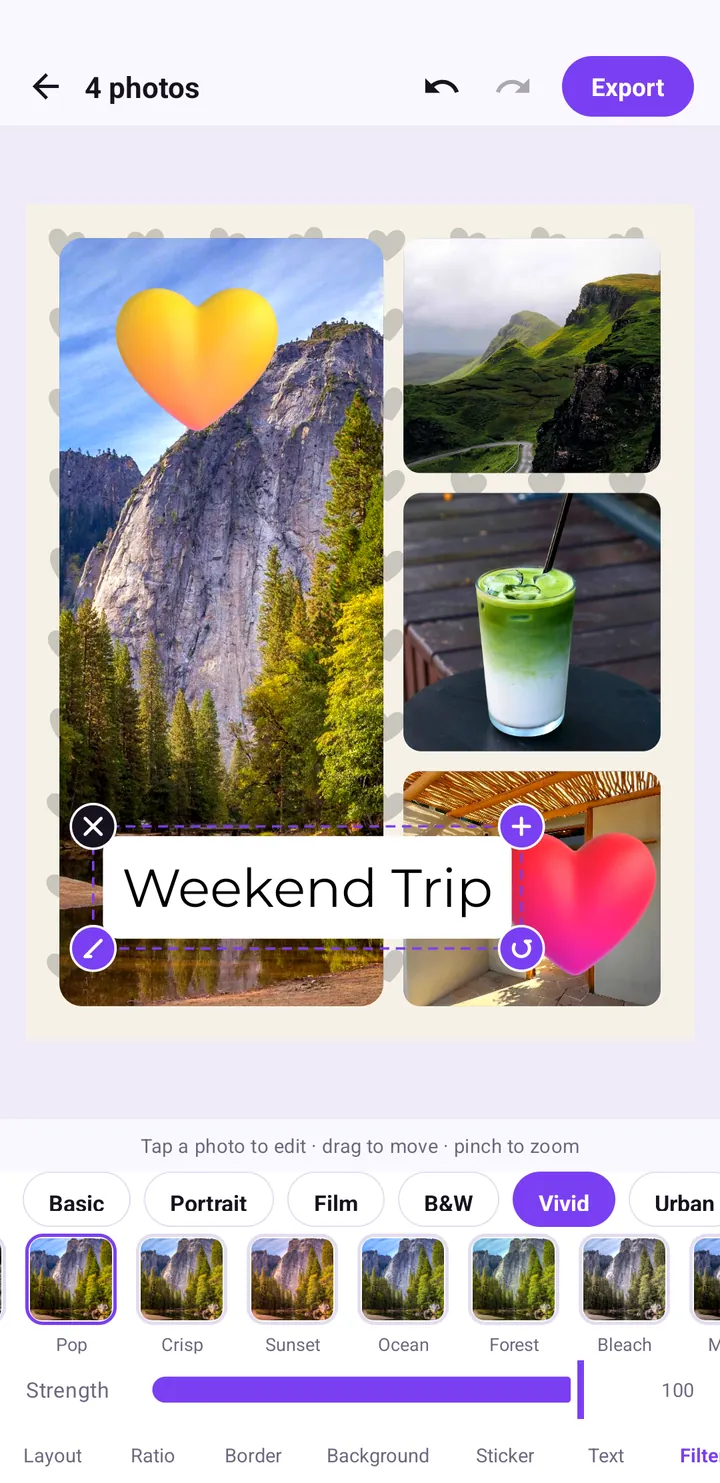
Photo filters explained: Pop, Crisp, Sunset and every category
A tour of the Filter tab: what each category is for, how the Vivid looks like Pop, Crisp, Sunset and Bleach differ, and how to use the Strength slider so a filter looks natural.
Read the guide →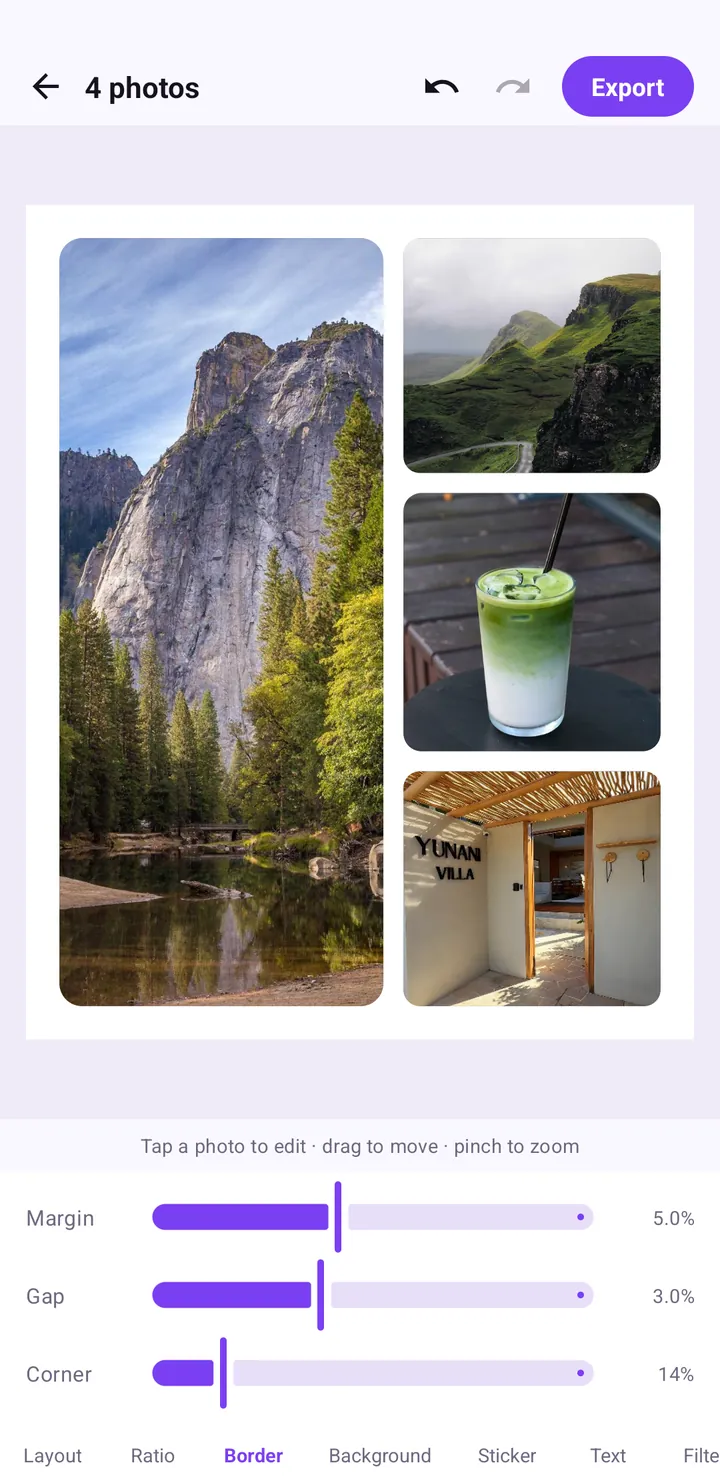
Collage border spacing, ratio and background colour, explained
How the Ratio, Border and Background tabs work: which ratio to choose for feed or Stories, the Margin, Gap and Corner settings that look clean, and how to pick a background.
Read the guide →12 collage ideas for birthdays, couples, trips, food and friends
Twelve collage ideas for birthdays, couples, trips, food and friends, each with the exact layouts, ratios, stickers and poster templates to use in Pop Studio.
Read the guide →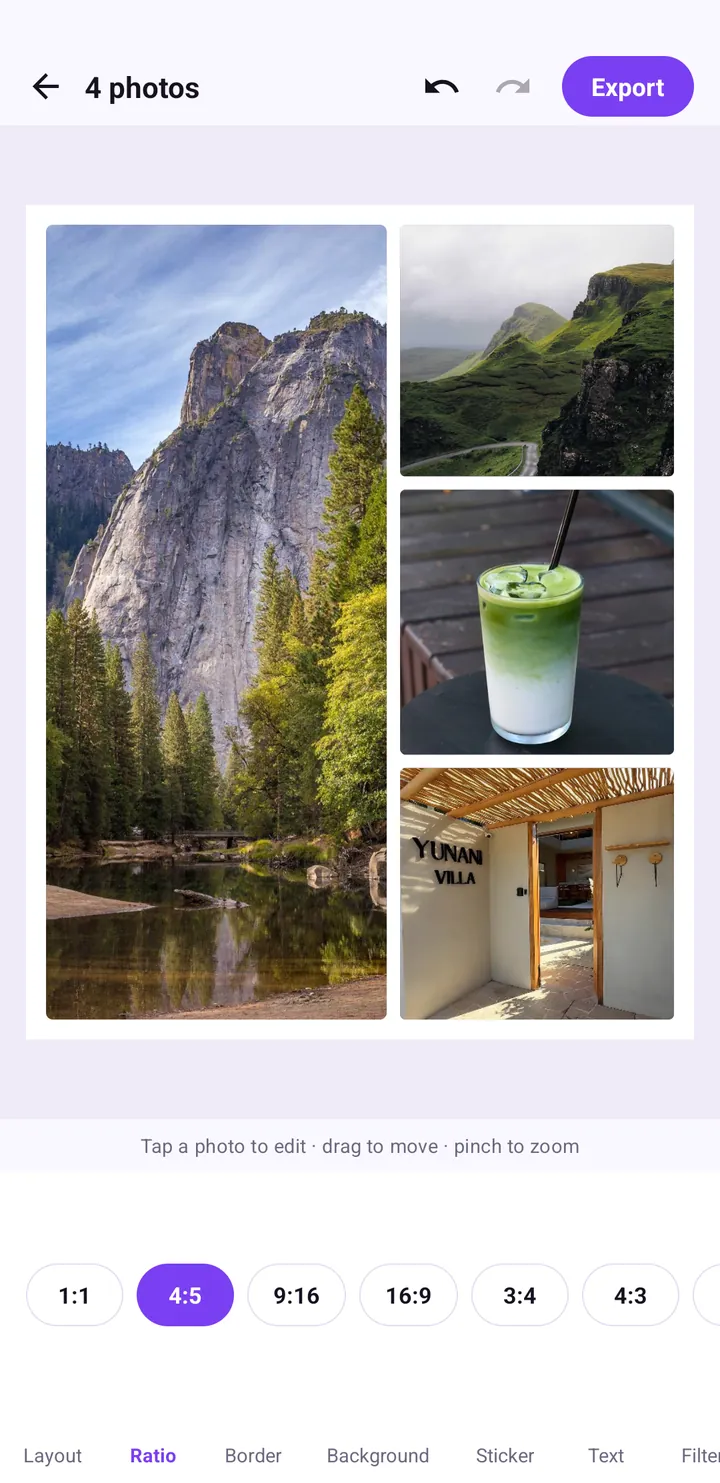
Instagram Story collage guide: 9:16 vs 4:5 vs 1:1 and safe zones
How to make collages that fit Instagram Stories, TikTok and the feed the first time: choosing 9:16, 4:5 or 1:1, keeping text inside the safe zone, and sharing straight from the Saved screen.
Read the guide →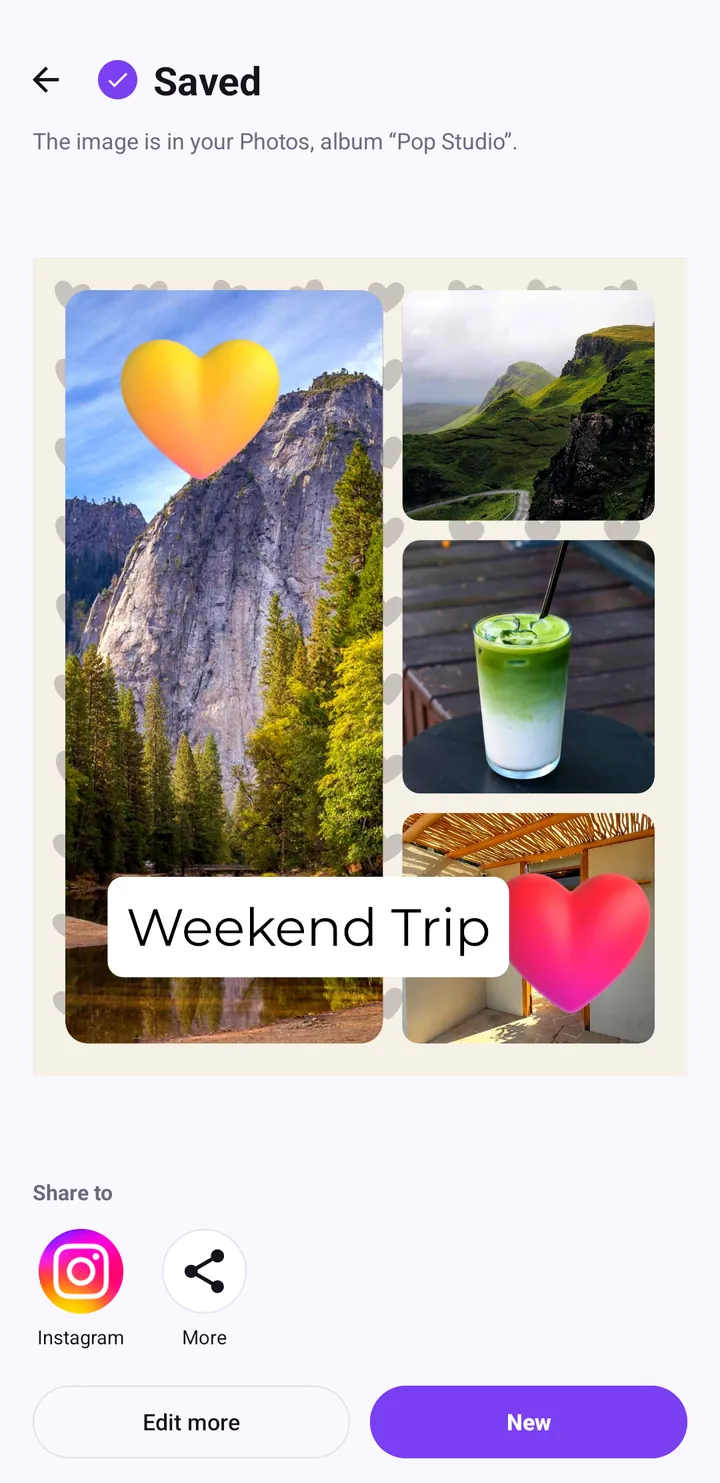
Save a collage to your gallery, share it, and keep photos private
Everything that happens after you tap Export: choosing JPEG or PNG, the Saved screen, sharing to Instagram, TikTok and other apps, finding your work in the Pop Studio album, and why no photo is ever uploaded.
Read the guide →